
Chrome extension & control
Reuse your own Chrome and pick elements on the page
Capabilities
Your logins, reused
It drives the Chrome you already use: the same profile, the same logins, the same open tabs.
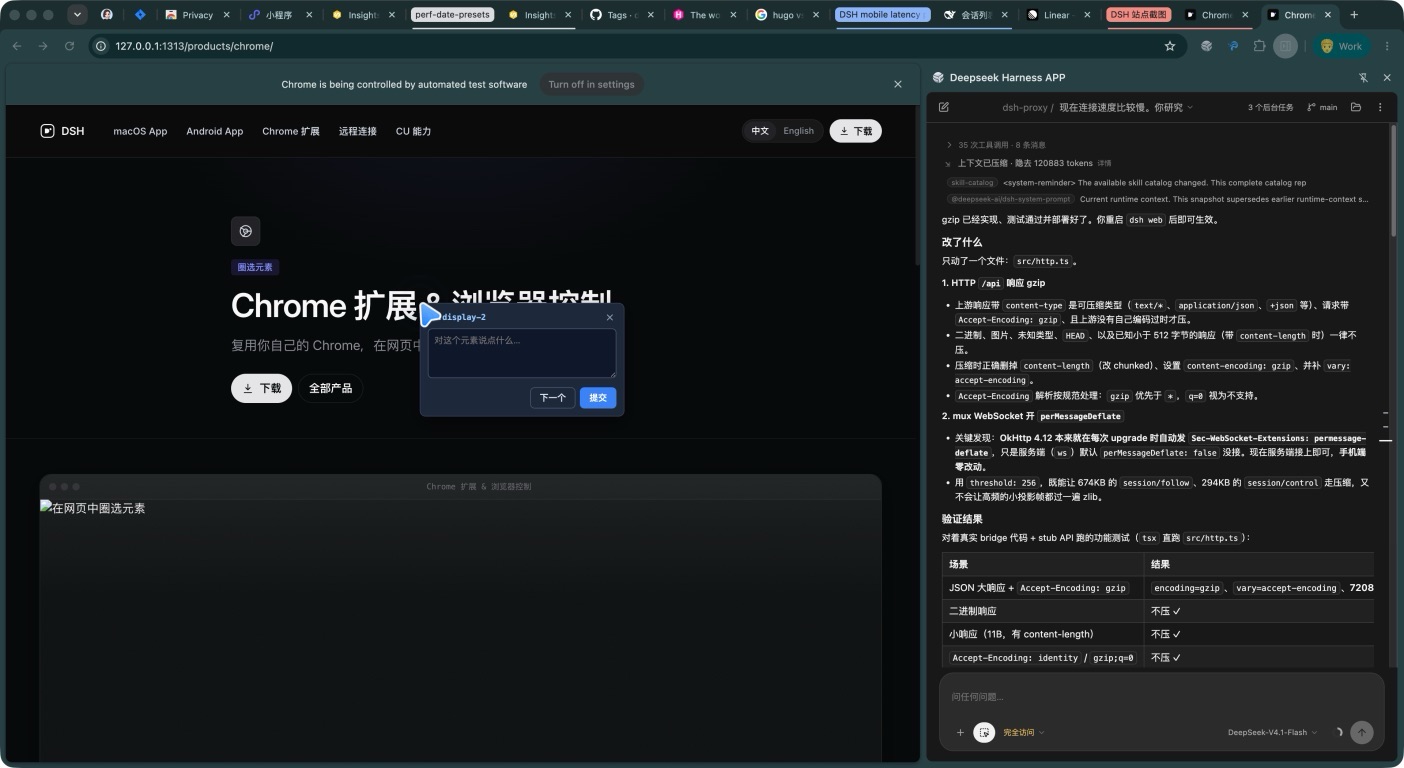
Pick elements on the page
Box a target and hand the agent its selector, text, and structure — far more reliable than describing where it is.
Real input
Clicks and keystrokes are trusted events that a page cannot tell from yours, and work can run on a background tab without interrupting you.
Controllable and cuttable
The “Allow agent control” switch in the extension popup severs the control channel immediately.
Two parts, used together
Browser control needs both parts; neither works alone:
| Component | Role | Get it |
|---|---|---|
| Chrome extension Deepseek Harness APP | Acts in the browser and provides the side-panel chat | Chrome Web Store |
| DSH plugin dsh-chrome-control | Serves the bridge the extension connects to on dsh web, and publishes it as mcp__chrome__* tools | GitHub, dsh plugin --profile web add dsh-chrome-control |
See Install the Chrome extension for setup.
Why reuse your Chrome
Most browser automation makes you open a “clean” browser, so anything behind a login is out of reach. DSH does the opposite: it uses the Chrome you are already using.
- Admin panels, internal tools, and anything with two-factor auth are already signed in and immediately usable.
- Your open tabs are in view, so there is nothing to re-navigate.
- Cookies, extensions, and proxy settings are exactly what you use yourself.
Picking elements on the page
This is the most convenient entry point day to day. Instead of describing “that button in the top right”, box it:
- Click “Pick element” in the extension.
- Hover the page; candidates highlight live.
- Click once, and the element’s selector, text, and structural summary drop into the composer.
The summary carries a reference the agent can act on later — click it, fill it, or read it.
Control tools
Once the extension connects, the agent gains 27 mcp__chrome__* tools covering navigation and tab management; page understanding (snapshot, text, semantic find); interaction (click, fill, select, upload, hover, keyboard, mouse); scrolling; script evaluation; screenshots and PDF; network inspection; dialogs; and waiting.
Permissions and security
- The “Allow agent control” switch in the popup cuts control at any time.
- The control endpoint only accepts upgrades from extension pages; a web page that finds it cannot attach.
- No telemetry is sent.
- The upload tool only exposes local files you explicitly name.
Download Deepseek Harness APP
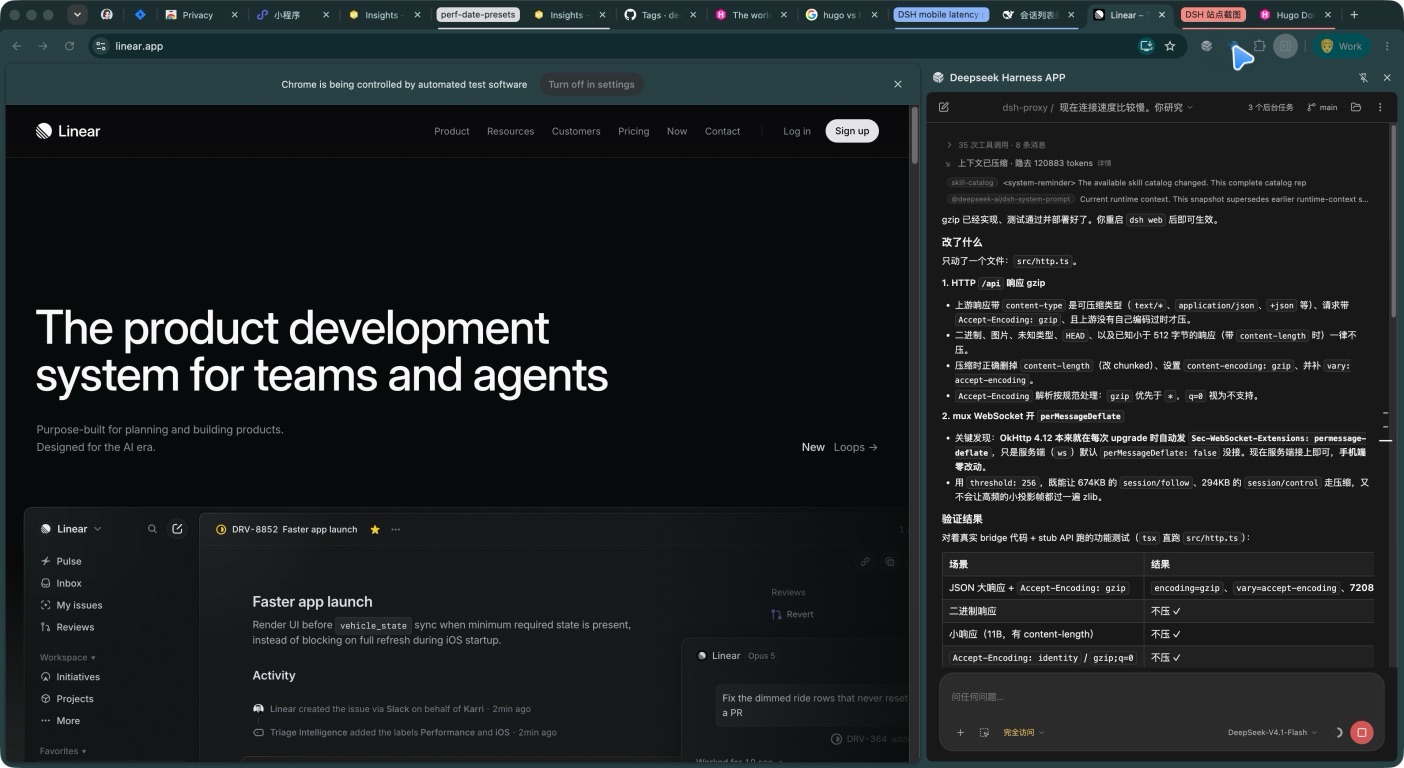
The DSH Chrome extension and browser control: it drives the Chrome profile you are already signed into, and picks elements on the page for clicking, filling, uploading, screenshots, and network inspection.