
你的 Mac、你的浏览器、你的手机 —— 一个 DSH
原生 macOS 与 Android 客户端、复用登录态的 Chrome 控制,以及不抢你鼠标的计算机使用能力。
最新版本 v0.1.68 · 14.0 MB · 全部平台与安装说明
在 Desktop 中使用 browser-control skill 试一下。
先确认扩展是否连上,再决定用哪条路径。
Check Chrome bridge status
扩展连上了,直接开一个页面跑一遍。
Agent Runtime 适配 pi 需要改哪些?
Locate runtime adapter
适配层只有两处硬编码,换成可配置即可。
把速度埋点上报到 TraceLake。
Add TraceLake reporter
埋点接好了,冷启动与长会话滚动各上报一次。
在 desktop 项目中研究 BYC 的实现方式。
先读入口,再顺着调用链看。
Read BYC entry point
No existing script. So the "random unique app id" pattern is something the agent does ad hoc: modify Info.plist bundle id and install to a temp location. That implies the harness has no built-in way to run more than one instance.
Now screenshot capture. Let me check what CU returns and the Chrome bridge state.
Inspect CU output shape and Chrome status
tools-ptc
The CU screenshot works and the harness normalizes it to a path I can read. The image shows the DSH Mac app with the sidebar. Nice.
CU works. Now I need pixel-perfect files — checking the best capture path.
Check tooling for window screenshot capture
swift is available. Let me write a small Swift helper that lists windows (id, owner pid, name, bounds) using CGWindowListCopyWindowInfo, and prints JSON. Then I can pick the window and capture just that rect.
Build window lister to find window IDs
The window lister works. Note the user's app (pid 67414) window id 49316 at 1280x800, and a test instance pid 91280 (new, launched recently — ids 49784, 49777).
The window lister works. Capturing the Mac app window now.
Error: code run failed (exception): ToolCallError: cannot read "/Users/user/dshapp/dsh-site/static/img/shots/macos-app.png"
"could not create image from window" — Screen Recording permission may be missing for the process running bash, or window id changed. Let me check: the window list still shows the same id.
Check CU attachment resolution
1229x768 JPEG. That's the CU output resolution. Usable but soft for a hero image.
Test screen capture permission
Full-screen capture is blocked (TCC). So `screencapture` is unusable. I'll use CU's screenshots (which work) as the image source, via a Swift window-capture helper.
在设置页中新加一个 tab。
Add settings tab
tab 加好了,沿用系统控件。
会话类搜索,搜索聊天记录。
Index session transcripts
全文索引放在本地,不落盘到远端。
设置页插件检测与安装引导。
Detect installed plugins
检测与引导串起来了,缺插件时给一键安装。
会话列表的搜索有 bug,输入中文会断。
Reproduce CJK search bug
Error: assertion failed: expected 3 results, got 0
按字节切分导致的,改成按字素簇切分。
优化一下这个页面的展示方式。
先看信息层级,再动间距。
层级收成两档,间距统一到 8 的倍数。
Initial greeting to the assistant.
你好,我是 DSH,可以帮你读写文件、操作浏览器、跑命令。
Pro 最新的代码,看一下实现。
Fetch upstream changes
改动集中在会话层。
模型提供商支持 Claude 的接入。
Add provider adapter
接好了,模型列表会自动带上。
Reply with exactly: BYC
BYC
Reply with exactly: SHO
SHO
Reply with exactly: PRO
PRO
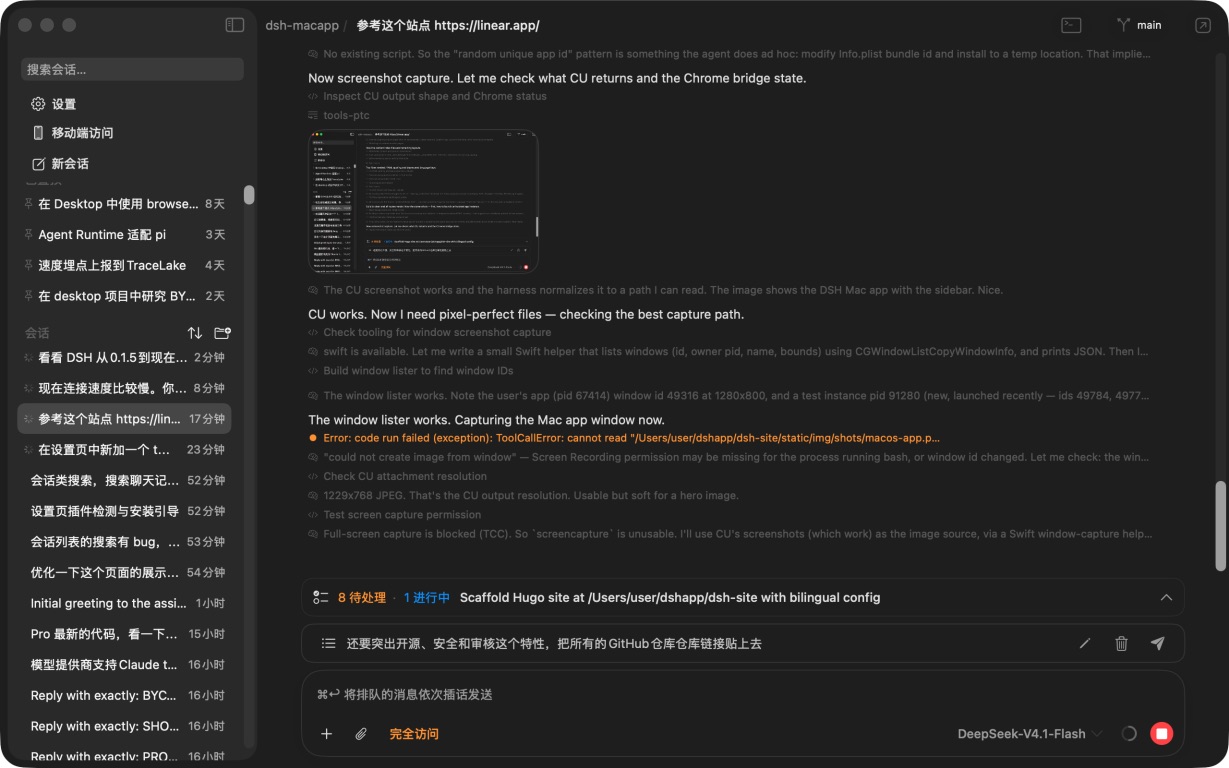
DSH for macOS · 原生 SwiftUI,Apple Silicon 原生构建
在你的设备上原生运行
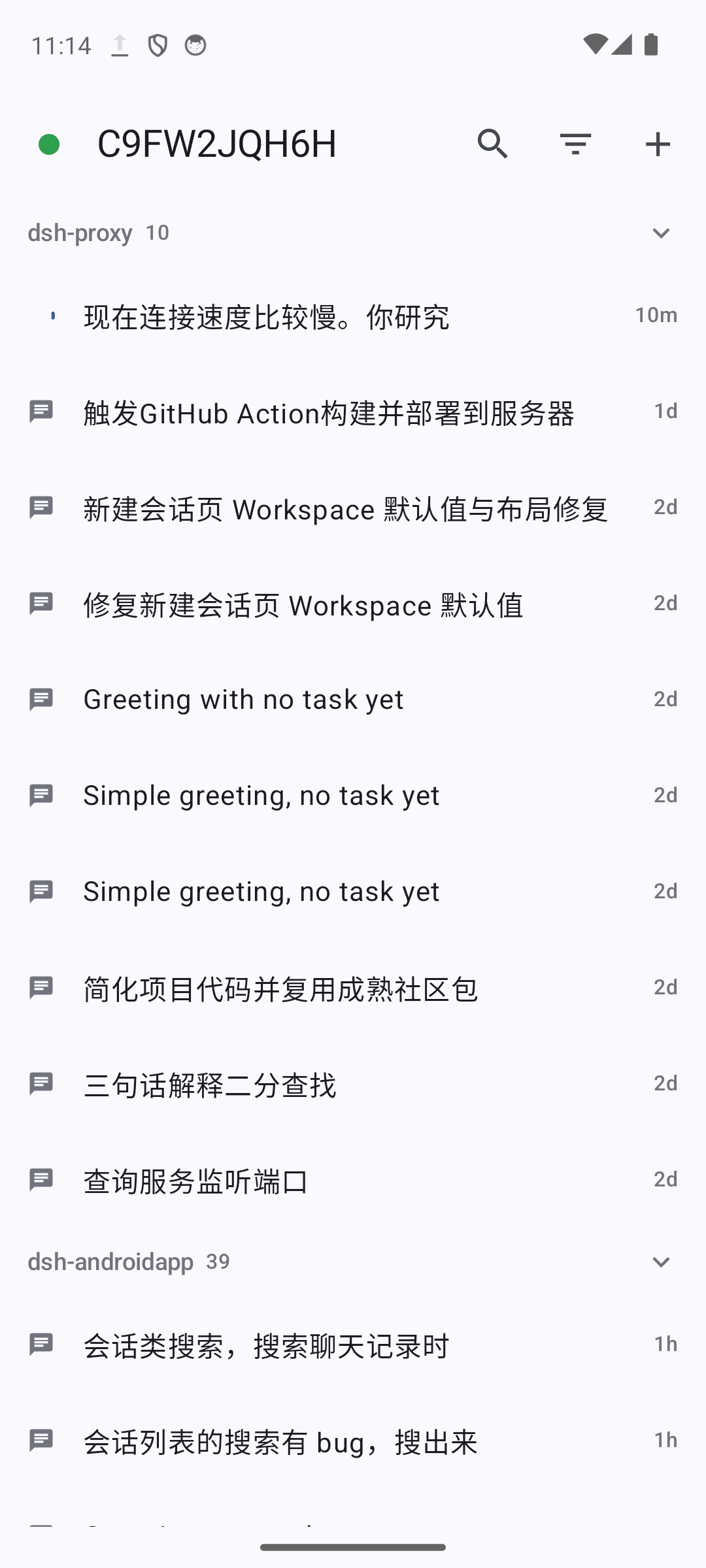
macOS 原生
为 Mac 用户做的桌面端
不是套壳网页。窗口、侧边栏、菜单栏、快捷键全部走 macOS 原生规范,滚动手感和系统一致。
- 丝滑:原生 SwiftUI 渲染与滚动,长会话轨迹也不掉帧。
- 极速:Apple Silicon 原生构建,冷启动即用,长会话滚动依然稳。
- 快捷键:新建会话、查找、会话切换、快捷键面板一应俱全,符合肌肉记忆。
- Mac 习惯:遵循系统外观与辅助功能设置,尊重「减少动态效果」与高对比度。
Chrome 扩展与控制
复用你的 Chrome,帮你把网页上的活干完
Agent 直接操作你日常使用的那只 Chrome —— 同一个配置文件、同一批登录态、同一组已打开的标签页。不需要重新登录,也不需要另开一个干净浏览器。
- 复用登录态:后台管理系统、内部工具、需要登录的页面都能直接上手。
- 圈选元素:在页面上框出目标元素,连同它的选择器、文本与结构一起交给 Agent,比描述位置可靠得多。
- 真实输入:点击与键盘走的是受信任事件,页面无法区分是人还是 Agent。
- 随时切断:扩展弹窗里的「允许 Agent 控制」开关一关,控制立即中断。
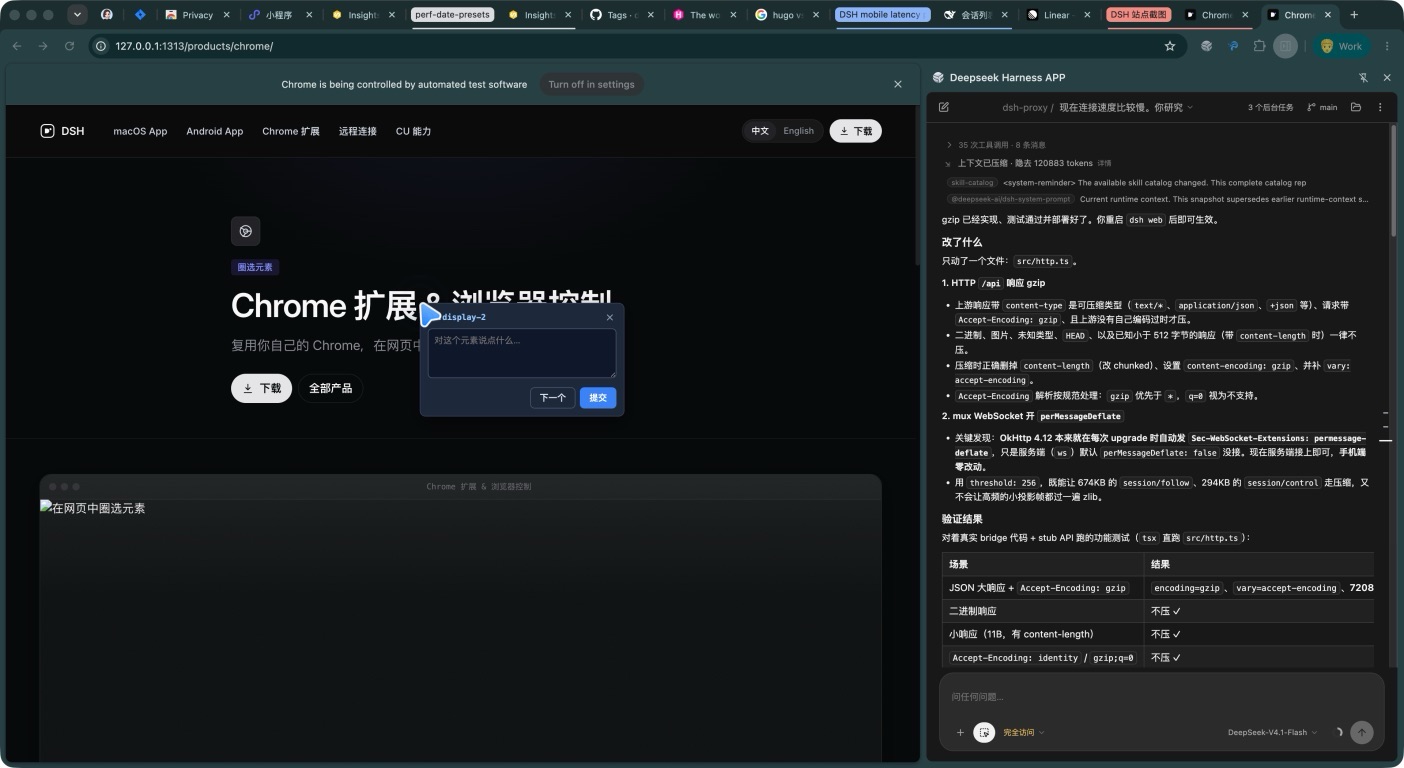
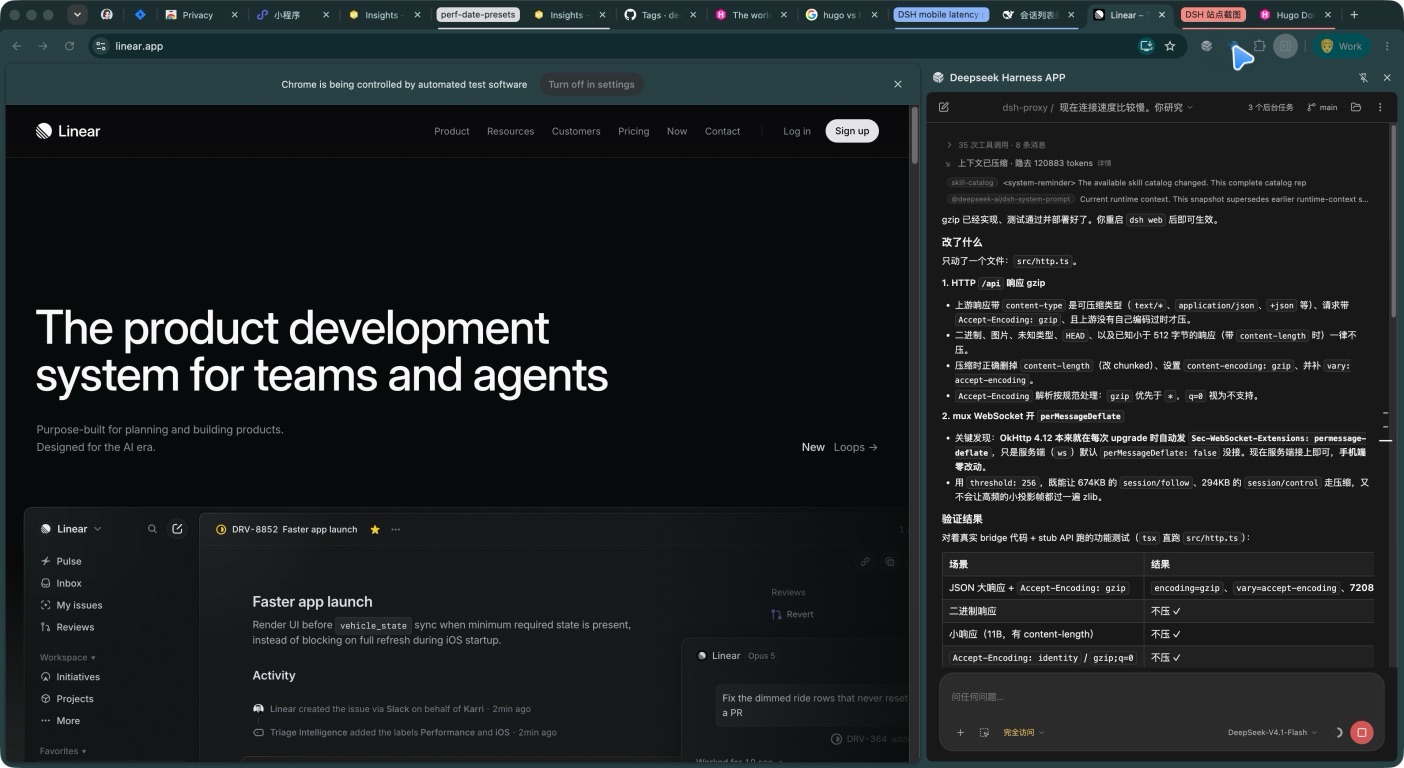
扩展连上后,Agent 获得 27 个 mcp__chrome__* 工具。
文档CU 能力
看得懂界面,也点得准控件
通过辅助功能树与截图理解当前界面,再用后台键鼠完成操作 —— 不需要把窗口抢到前台,也不碰你的鼠标指针。
- 看得懂:辅助功能树给出结构与文本,截图补齐视觉信息。
- 点得准:按控件定位而不是硬编码坐标,窗口挪位置也不失效。
- 不抢前台:操作在后台投递,你可以继续用电脑做别的事。
- 危险动作先确认:发送、删除、购买、发布这类不可逆操作,先说明再做。
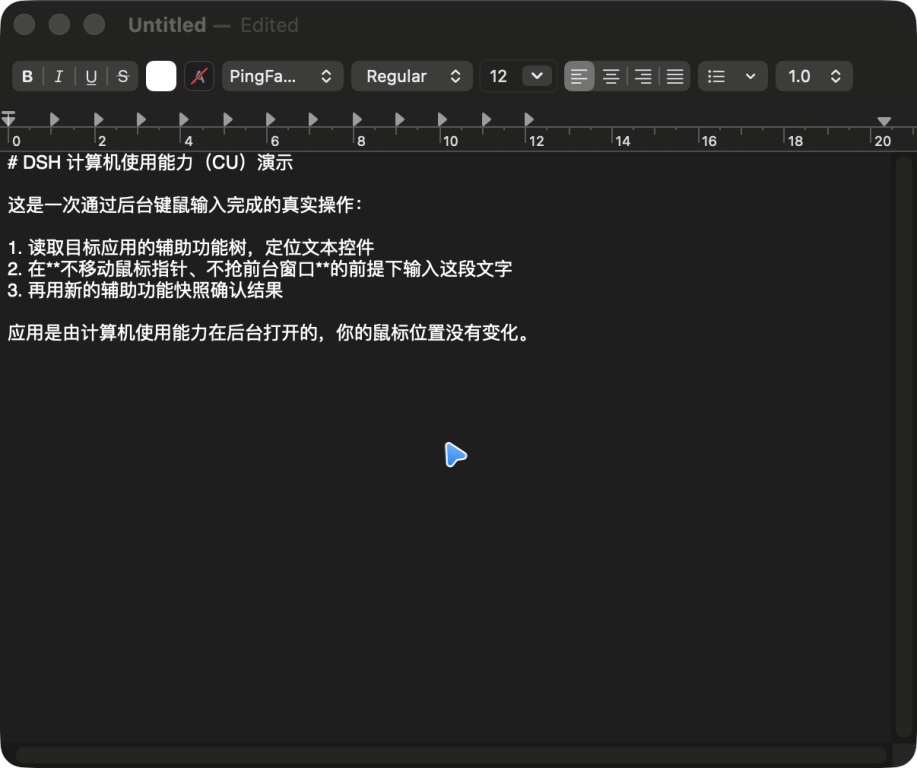
KimiCU 连接后注册为 mcp__cu__* 工具。
文档现在就把 DSH 装到你的 Mac 上
原生应用、Chrome 扩展、手机端,装好即用。